
You start it.
Luya takes it from here.
A few steps to begin. Quiet care while it grows. Something fresh at the end.
Four small steps.
Connect once.
Pair Luya with your home Wi-Fi in the app. This is the one-time part.
One-time Wi-Fi pairing
OPERATION DIAGRAM · INTERFACE SIMPLIFIEDThen get on
with your day.
Light, watering and airflow run automatically. Open the app for a look, or wait for a refill or harvest reminder.
Real growing footage, sped up. Typical cycles span roughly 6–10 days in internal testing; timing varies by crop and conditions.
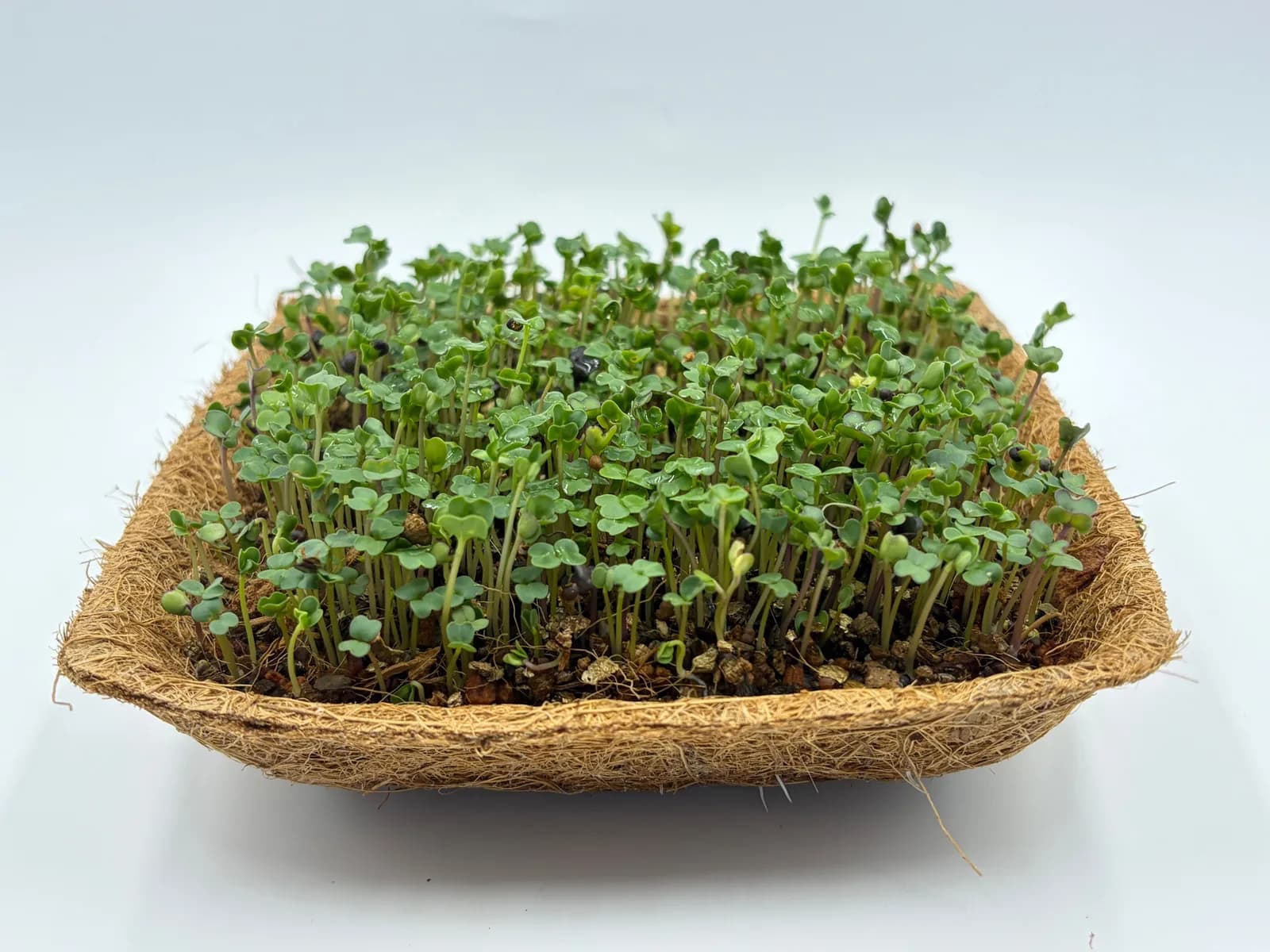
Cut a little.
Enjoy a lot.
Cut above the growing medium, rinse and add to your meal. Every harvest comes with a time-lapse of your plants growing.
When the cycle is done, remove the spent tray and clean the growing surfaces before starting again.
See the harvest update →Clean, then start the next tray.+
Between cycles, remove the spent tray, rinse the removable parts and wipe the growing surface. Refill the tank, load a new tray and start the next grow in the app.
Make cleaning part of the changeover between trays. Follow the care instructions supplied with your device for the tank and removable parts.
If a tray needs attention.+
Seeds can germinate unevenly, a tray can dry out, a network can drop, a crop can be left past its window. The app is designed to name the problem, say whether it is urgent, and give the next step.
If a tray smells sour, feels slimy, or shows fuzzy growth on the stems, do not eat it. Discard the tray, clean the surfaces, and start again.
Luya controls airflow, humidity and irrigation to help prevent mould during microgreen growing. Follow the care instructions and clean between cycles; a failed cycle still needs attention.
Follow the real growing routine.
Scan your seed tray.
Scan the QR code in the app to add the tray before placing it in Luya. This is the current setup flow; NFC recognition is planned for a future version.
A little tray. A fresh start.
After scanning, open the door and place your seed tray in the growing chamber. Confirm the tray and start the grow in the app.
Your next fresh handful.
Open the door and lift out a mature tray when you are ready to harvest. Then cut what you need for your meal.
Record your harvest.
After harvesting, use the app to record the harvest. This clip shows the app workflow; it does not show cutting the greens.